

Sims 4 Weather and Forecast Cheat Menu
by MSQSIMS
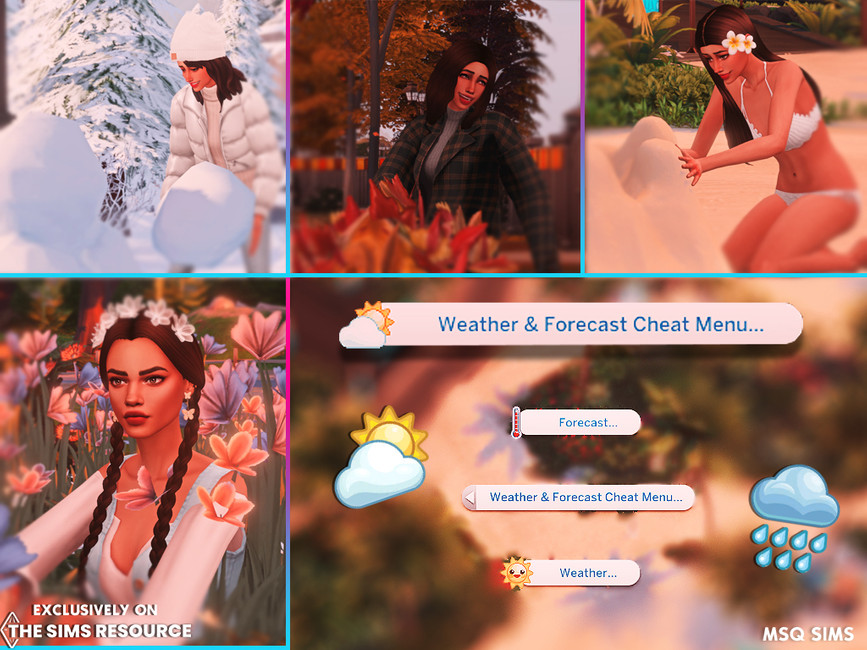
With this cheat menu you can change the weather or forecast immediately.You don’t need to type anything in the cheat bar.
How it works: Simply click on your Sim, there you will find the Weather and Forecast Menu.
Click on Weather to set it to Blizzard, Burning, Clear Skies, Cloudy Skies, Cold, Hot, Rain, Rain Storm or Snow.
Click on Forecast to set it to Fall Cold,Fall Dry,Fall Warm and so on with all seasons.
How to Install: Put both files in your Mods folder but and this is IMPORTANT do no put the script file to deep in your folder.
it’s okay to put this file in an subfolder, but not deeper.Otherwise the script file will not work.
Compatible with Patch 1.76.81.1020
Requires Seasons
Filesize: 26 KB kB




Reviews
There are no reviews yet.