
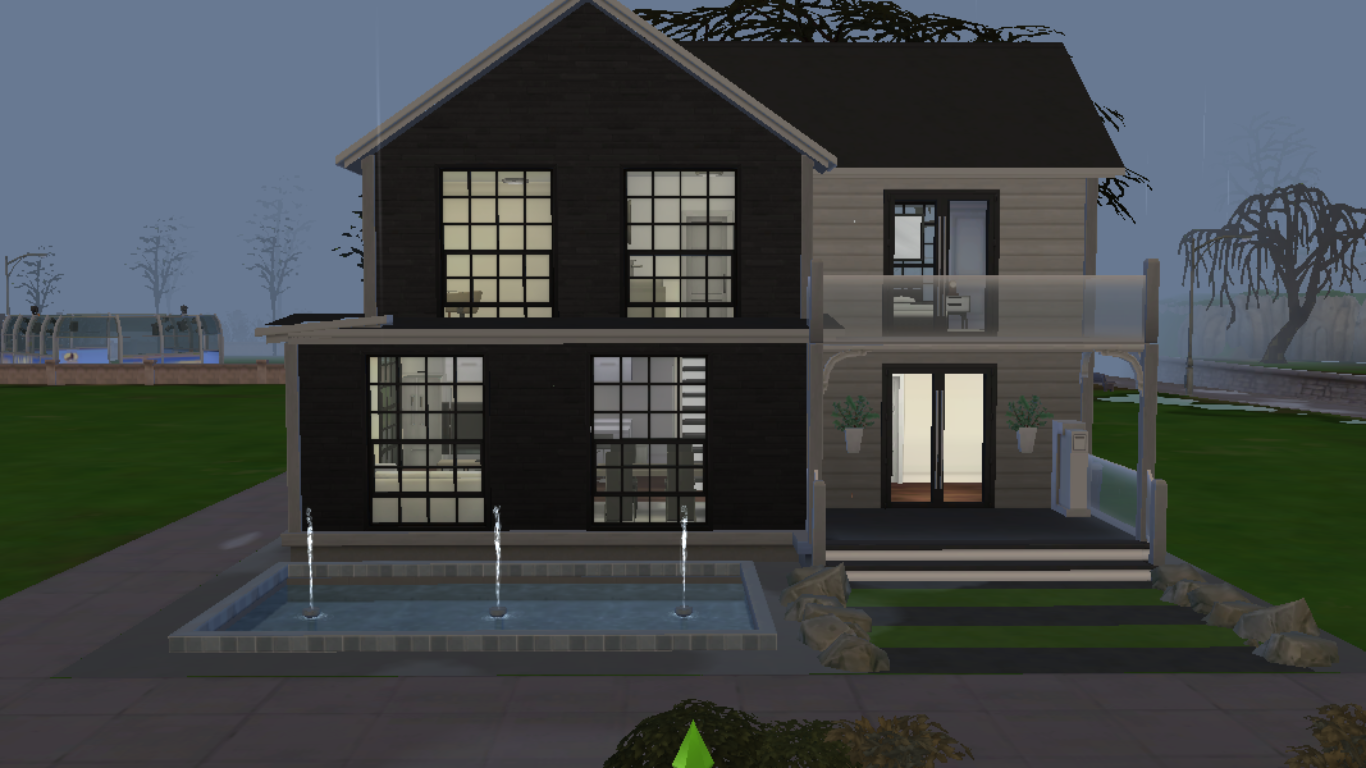
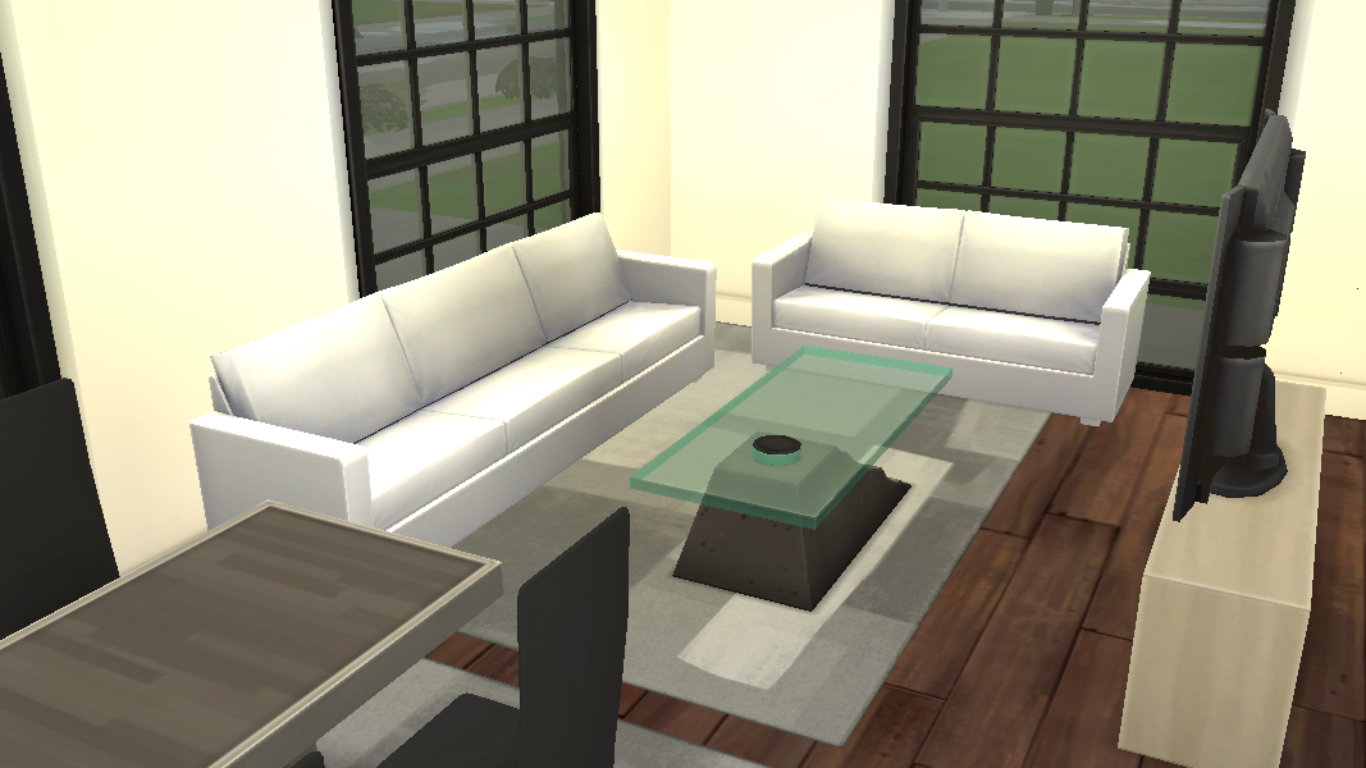
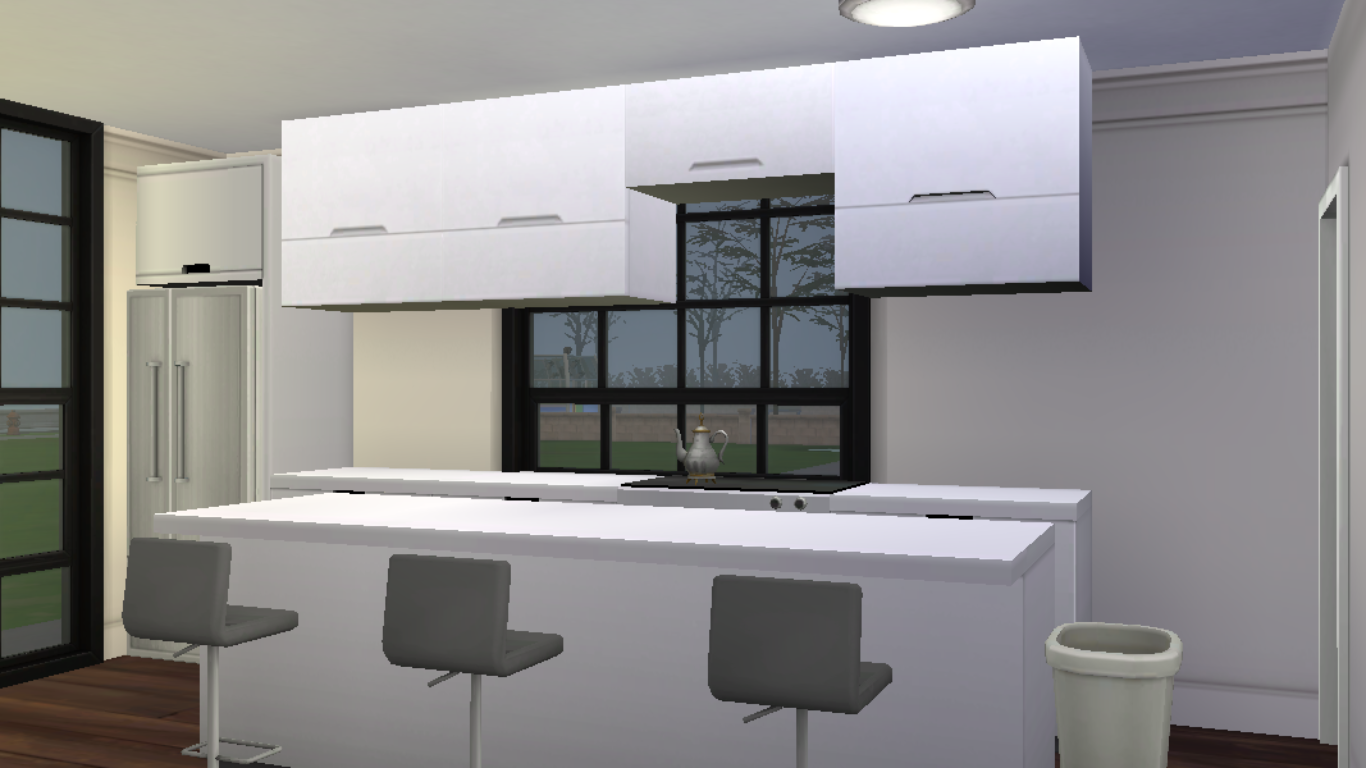
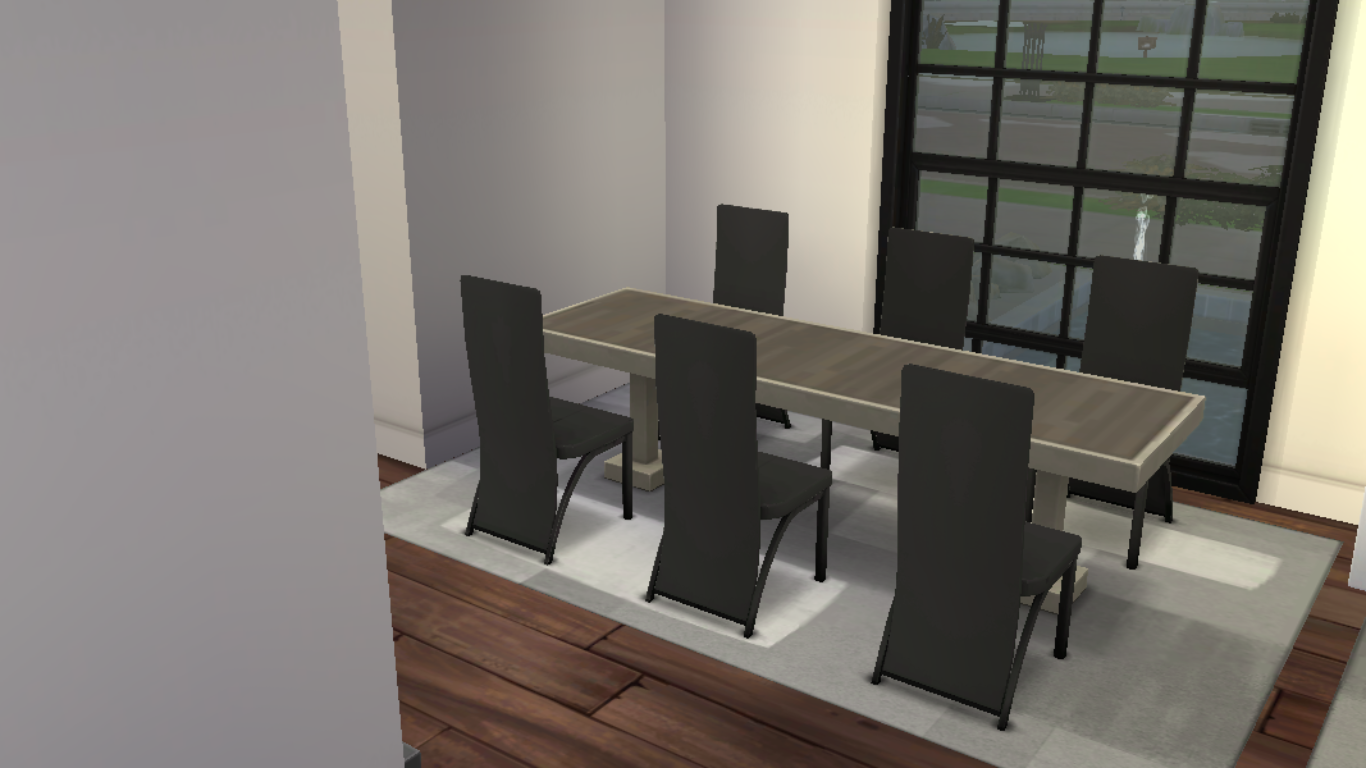


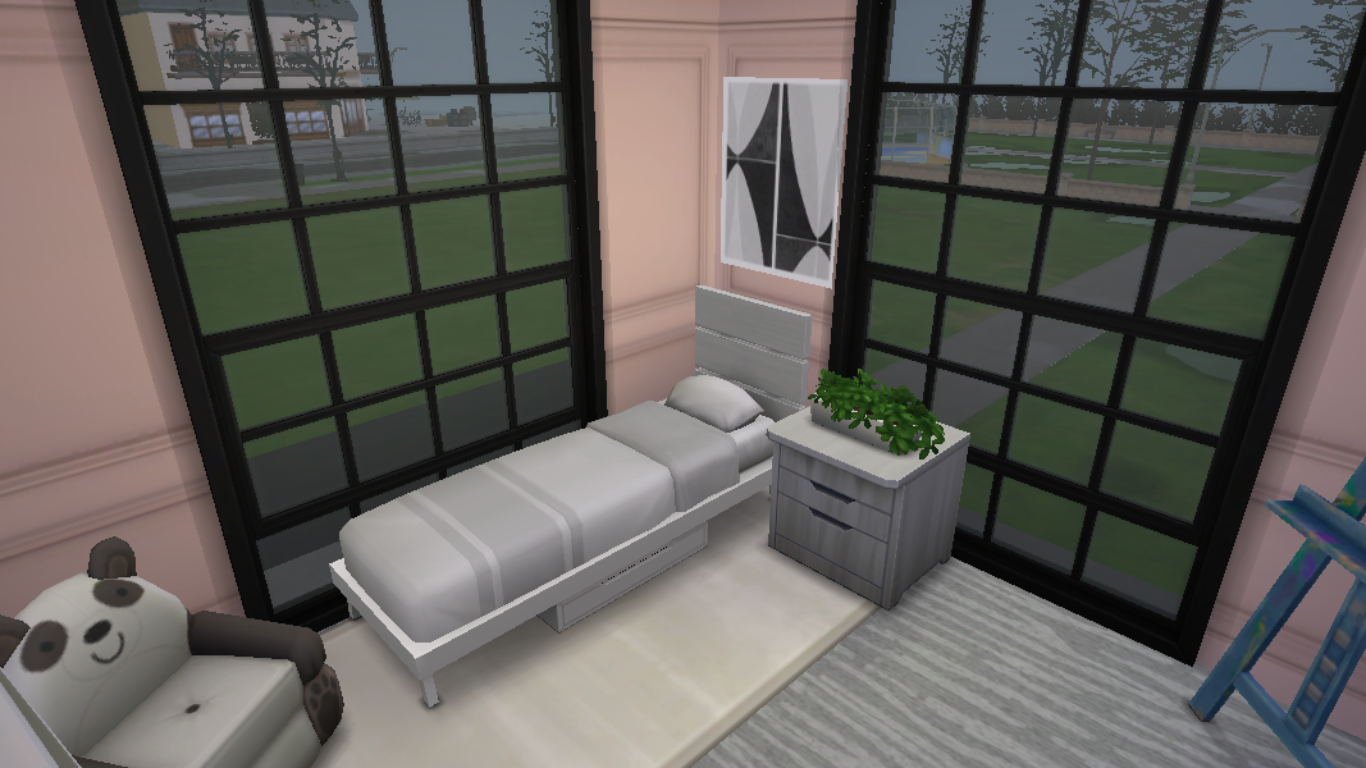
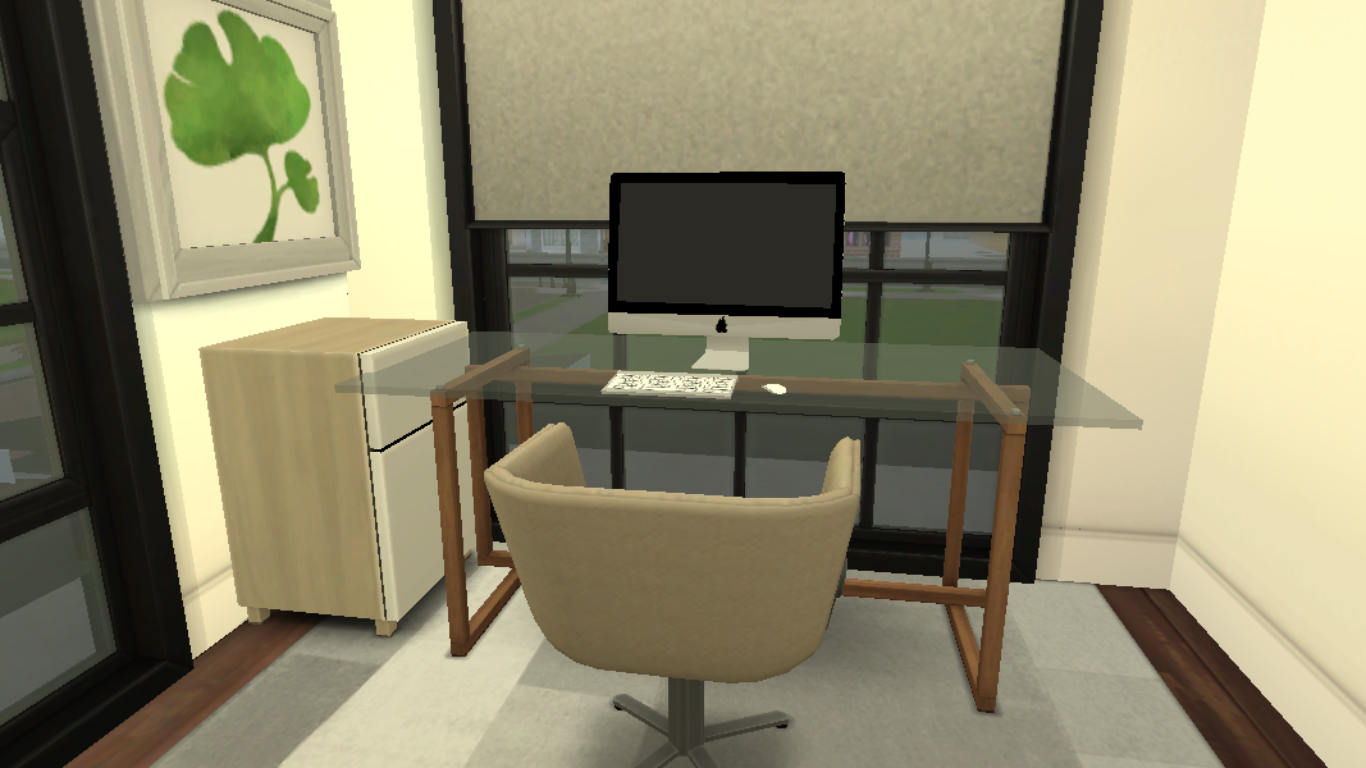


Small House with CC. Provided in the rar archieve.
How to Install My Builds Step by Step:
1- Make sure to check your game version to see if the version I built the house on matches.
2- Go to Documents > Electronic Arts > The Sims 4.
3- If there are some CC in the CC Folder I provided, open the Mods Folder (create one if you don’t have) and put the files in the folder.
4- Open “The House” folder that I provided and put the files in the Tray folder.
5- Lastly, open the game and put the house in a proper lot.



Reviews
There are no reviews yet.